Thursday, 2 July 2015

Examples of Recent Explain Everything Projects

I have noticed that my recent Explain Everything project design has developed after working with Michelle George here at school. Her idea was to use our school wide progressions as a tool/ filter to base our projects on. For example, see the Red progression.


When using these I have been able to identify student's current and next learning steps. I have also been able to evaluate the quality of the learning that my students will undertake when completing my projects. In this way I have seen the learning and engagement increase.

Here are two examples of my Explain Everything projects (thanks to Emma Berry for the compare and contrast template!):

Tuesday, 30 June 2015

Term 2 Presentation/ Reflection

The direction of my inquiry this term has definitely been defined by the development of templates that provide quality scaffolding. I realised through professional conversations and reflections that I was under scaffolding... by quite some way! So I decided to up my game and provide better temples and scaffolds.

Below is my presentation to the staff that outlines these changes:

Monday, 29 June 2015

Creating Explain Everything Templates

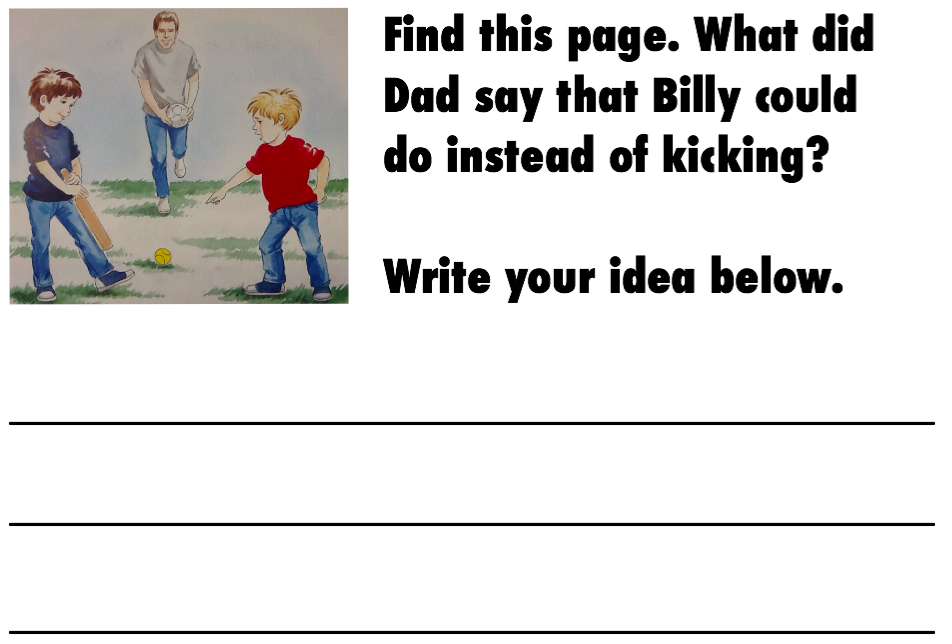
While creating a number of Explain Everything projects every week, I have found that there are some activities/ pages that I repeat from week to week. I was starting to get annoyed with re-creating these over and over again. Then it struck me... screenshots!

So in EE and in my photo reel on my iPad I have created a template folder with my most used or recent activity pages. This has sped up the EE project creation hugely as all I have to do is import the photo, crop it and adjust for that book. Easy!

Here are a few examples:
  

Wednesday, 27 May 2015

Creating Explain Everything Projects Using Audio Instructions

Since the beginning of the year I have been trying to get my target group using Explain Everything independently. This has had varying degrees of success! Recently, I have been trying to provide detailed written instructions on each slide to help the boys complete the activity. (see below) However, I was still finding that there was still a high degree of miscommunication and misunderstanding.


I had a brain wave! I had noticed that some of the junior teachers were inserting an audio file for spelling words. This got me thinking. I could do the same but instead record my instructions so that my boys new exactly what to do. (see below)


This has made a huge difference. Suddenly my instructions are rewindable, pauseable and much clearer. The boys aren't interrupting me anywhere near the same and I have noticed the quality of their work has improved also. I have also decided to keep my written instructions so that the boys are able to read along with the audio instructions.

Sunday, 12 April 2015

Reflection Presentation


This term has been a good start to reaching my long term goal. I have enjoyed finding solutions to problems with the students. For example, how my students access their work, how they share their explain everything projects, etc. I have been impressed with their increase of confidence and self management and really looking forward to how this might develop further throughout the year.

Where I want to head next is:
- How might I make connections from my use of explain everything with my students to the use of Movenote?
- How am I going to use SOLO in my project design?
- I want to explore the use of that Fast Forward series of books for my lower kids.

Tuesday, 7 April 2015

Student Blogs - William & Desmond

Below are a couple of links to examples of students sharing their work on their blogs. It has been interesting to me to see how they are managing to do this independently. When they are just posting a screenshot to their blogs they are able to do this easily. When they try to post a movie they need much more help from me. I am hoping that this will change with time as they get used to the process.

I have also enjoyed reading about their understanding of their learning. For William his enjoyment is very high but he doesn't really understand what he has learnt. My next step is to make his learning more explicit so he is able to reflect on his improvements and his next learning steps.


Saturday, 21 March 2015

Sharing with Explain Everything

My target group of boys are loving creating responses to a range of text using Explain Everything. However, we are finding it tricky and time consuming to find a good way of sharing our thinking and learning on our blogs.

The boys first tried uploading screenshots of single cards of work to their blogs. However, this didn't truly capture their thinking and learning as it only showed the end product, not the process. Then one of the boys wanted to share his learning by creating a movie. This has caused all kinds of problems when trying to upload quickly and easily. We have tried uploading to Vimeo from Explain Everything but this seems to keep failing at the final rendering stage. We then tried uploading to the students drive then embed on the blog. This isn't ideal as there are many steps to complete and this only works the students manage to get the permission settings right. Hmm...

My next step is to find a quick and easy way of sharing their movies that is intuitive and quick. I'll keep you posted.